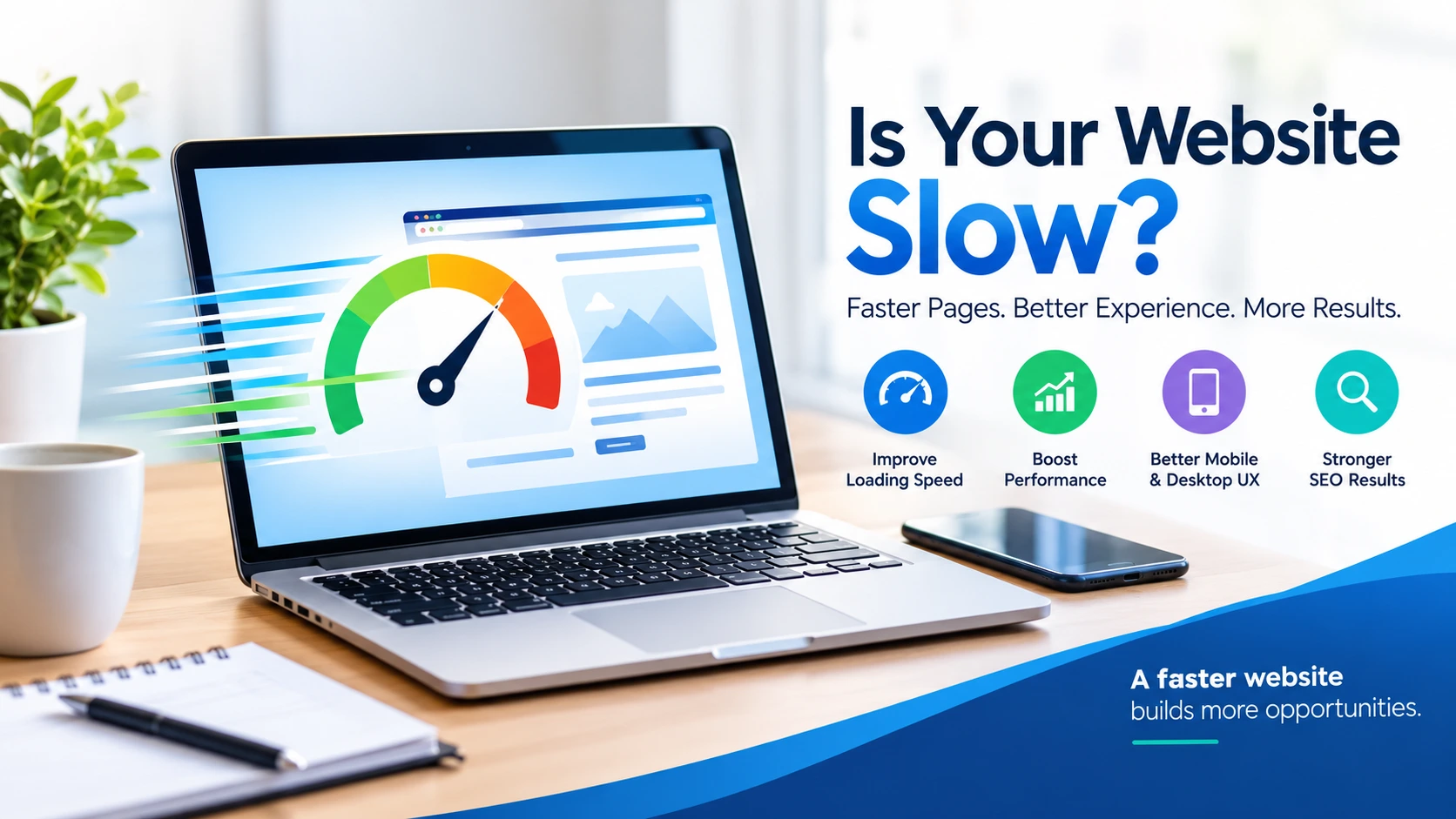
A slow website can quietly cost a business valuable opportunities. Visitors may leave before a page finishes loading, potential customers may abandon a form, and people who have a poor browsing experience may hesitate to trust the business behind the website.
In 2026, website speed is more than a technical detail. It is part of the overall user experience. Whether you run a business website, an online store, a blog, or a service-based website, slow loading can make it harder for visitors to find information and take action.
The good news is that many speed problems can be identified and improved. With the right diagnosis and a practical optimization plan, you can make your website more responsive, easier to use, and better prepared to serve visitors across mobile and desktop devices.
What Does Google PageSpeed Insights Actually Measure?
Google PageSpeed Insights is a free tool that evaluates a web page’s performance on mobile and desktop devices. It provides a performance score from 0 to 100, along with diagnostics that help identify possible improvements.
The report can include two types of information: real-world user experience data, when available, and lab data generated through performance testing. These measurements serve different purposes, so it is important to review the detailed report rather than focus only on the overall score.
Google also evaluates three Core Web Vitals that help describe important parts of the user experience:
- Largest Contentful Paint (LCP): Measures how quickly the main content becomes visible. A good result is 2.5 seconds or less.
- Interaction to Next Paint (INP): Measures how quickly a page responds to user interactions. A good result is 200 milliseconds or less.
- Cumulative Layout Shift (CLS): Measures unexpected movement of page elements while the page loads. A good result is 0.1 or less.
You can check your own website using Google PageSpeed Insights. For a better understanding of the results, read Google’s PageSpeed Insights documentation and its Core Web Vitals guidance.
A low score can indicate that a page needs attention, but the score alone does not explain every problem. The detailed diagnostics help determine which changes are likely to make the biggest difference.
Why a Slow Website Can Hurt Your Business
Visitors May Leave Before Taking Action
People visit websites to find answers, compare options, read information, or buy something. When pages take too long to load or respond, the experience becomes frustrating.
For a service business, that could mean fewer people reaching the contact page. For an online store, it could mean customers struggling to browse products or complete checkout. For a blog, slow loading can make it less enjoyable to read articles.
Speed does not determine every visitor’s decision, but unnecessary delays can create another reason for people to leave.
Slow Pages Can Affect Conversions
A conversion might be a purchase, a completed enquiry form, a phone call, or a newsletter subscription. If a page is difficult to use, visitors may not complete the action you want them to take.
Improving website performance removes some of that friction. However, speed is only one part of conversion optimization. Clear messaging, useful information, accessible design, pricing, and a straightforward user journey also matter.
If your website attracts visitors but struggles to turn them into enquiries, reviewing both performance and your website content writing can help you identify opportunities to improve the experience.
Search Visibility Needs More Than a High Score
Google uses Core Web Vitals as part of its broader page-experience considerations, but a high PageSpeed Insights score does not guarantee higher rankings. Relevant, helpful content and other search-quality signals remain important.
Website speed should therefore be treated as one part of a wider SEO strategy. A technically sound website can give visitors a better experience, while useful content and appropriate optimization help search engines understand the pages.
For a more complete approach, explore Wally’s On-Page and Technical SEO services alongside your website speed improvements.
Performance Can Influence Trust
Visitors notice when a website feels broken, jumps around while loading, or takes too long to respond. These issues can make a business appear less professional, even when its services are excellent.
A responsive website, clear navigation, stable page layout, and readable content help create a more dependable experience. Performance improvements cannot guarantee trust, but they can remove avoidable obstacles that make a website harder to use.
Why Is Your Website Loading Slowly?
There is rarely one cause behind every slow website. The problem may come from a combination of images, scripts, hosting, plugins, and page design.
1. Images Are Larger Than They Need to Be
Large image files can take longer to download, especially on mobile connections. Uploading full-size photographs when smaller versions would work just as well can add unnecessary weight to a page.
Image compression, appropriately sized images, and modern formats such as WebP or AVIF can help reduce file sizes without an obvious loss of visual quality. Images that appear immediately on screen should be handled carefully; lazy-loading the main visible image can make the initial experience worse.
2. Too Much JavaScript and CSS Is Loading
Themes, plugins, page builders, animations, and third-party tools can add scripts and stylesheets to a website. Some resources may delay the display of important content or make the page slower to respond.
Depending on the website, improvements may include removing unused code, reducing unnecessary scripts, minifying files, or changing how certain resources load. These changes should be tested because removing or delaying the wrong file can affect the site’s functionality.
3. Caching and Server Response Need Attention
Without suitable caching, a website may repeatedly perform work that could be reused. Server response can also be affected by hosting resources, database queries, application configuration, and other technical factors.
Browser caching, page caching, and server-side improvements can help in the right circumstances. Installing another performance plugin is not automatically the answer; the existing setup should be reviewed first to avoid conflicts and duplicated features.
4. Too Many Plugins or External Tools Are Running
WordPress plugins provide useful features, but some add extra requests, scripts, database activity, or other processing. Advertising tools, chat widgets, tracking scripts, and embedded media can also affect performance.
Review which tools are genuinely needed and whether each one is adding unnecessary load. Avoid deleting important plugins without checking their role, because doing so can break website features or affect security.
5. The Page Layout Creates Unnecessary Delays
Fonts, videos, animations, large page-builder sections, and elements that move as content loads can affect the browsing experience. A page may also appear slow if its most important content is buried beneath large decorative sections.
A thoughtful WordPress website design and development approach considers performance, mobile usability, content structure, and visual design together instead of treating them as separate concerns.
Check and Improve Your Website Speed
You do not need to guess what is wrong with your website. Start with a test, review the evidence, and prioritize the changes that address the biggest problems.
Step 1: Test Mobile and Desktop Separately
Enter your page URL in Google PageSpeed Insights and review both available reports. Do not assume the mobile experience matches the desktop experience.
Test important pages individually, including your homepage, main service pages, contact page, and high-traffic blog posts. A website can perform well on one page and poorly on another.
Step 2: Review the Detailed Recommendations
Look for issues such as oversized images, render-blocking resources, excessive JavaScript, slow server responses, and layout instability. The diagnostics can help you understand where time is being spent.
Prioritize changes based on their likely impact and the needs of the page. Fixing one major issue may be more valuable than making many small changes simply to increase the score.
Step 3: Optimize Images and Page Resources
Resize images to suit their display dimensions, compress them appropriately, and use modern image formats where practical. Review unnecessary scripts and styles, and avoid loading features that visitors do not need.
Be careful with blanket settings. Delaying every script, for example, can cause menus, forms, analytics, or other features to stop working correctly.
Step 4: Review Caching, Hosting, and Plugins
Check whether caching is configured appropriately and whether your hosting environment is suitable for the website’s needs. Review plugins and external scripts for unnecessary overhead.
If the website is built with WordPress, routine website maintenance and technical checks can help identify issues before they become bigger problems. Maintenance should cover more than speed alone: updates, backups, compatibility, and website functionality matter too.
Step 5: Test Again After Making Changes
Run the same tests after optimization and compare the results. Also check the actual website on mobile and desktop to make sure that images, forms, menus, and other important features still work.
Performance scores can vary between tests because of network conditions, server load, and the testing environment. Real-world data can also take time to reflect changes. For that reason, evaluate the score alongside loading behaviour, Core Web Vitals, and the experience visitors receive.
How Wally Helps Improve Website Speed
Website performance optimization requires more than installing a plugin and hoping for a better score. The right approach depends on how a website is built, which resources it loads, and what the diagnostic reports reveal.
At Wally Editing Service, website speed optimization is part of a wider digital service offering that includes web development, design, editing, and SEO. Our approach can include reviewing PageSpeed Insights reports, identifying likely performance bottlenecks, applying suitable technical changes, and testing the results.
Websites with scores in the 30s or 40s may have substantial opportunities for improvement. Depending on the underlying issues, optimization work can include image compression and modern image formats, caching configuration, render-blocking CSS and JavaScript improvements, removal of unnecessary code, plugin reviews, and attention to server response time.
The actual result depends on the website’s hosting, theme, plugins, functionality, third-party tools, and starting condition. Some problems can be resolved through configuration, while others may require development work or changes to the hosting environment. The objective is to make meaningful improvements without sacrificing essential features or visual quality.
You can explore these related Wally services:
- Google PageSpeed Insights Speed and Performance Optimization: Identify performance bottlenecks and work toward a faster, more responsive website.
- On-Page and Technical SEO: Review technical and on-page issues that can affect how search engines access and understand your pages.
- WordPress Website Design and Development: Improve website structure, usability, and responsive design as part of a broader development approach.
- Website Content Writing: Make service pages and other important content clearer, more useful, and easier for visitors to navigate.
- SEO Article Writing: Support your website with relevant, reader-focused articles that complement your technical SEO efforts.
- Website Maintenance and Service Packages: Explore available service options for ongoing website support and optimization.
These services address different needs, but they can work together. A technically improved website still needs useful content and a clear user journey; equally, excellent content is harder to enjoy when pages are slow or difficult to navigate.
Find Out What Is Slowing Your Website Down
If your website feels slow, start by testing your most important pages in Google PageSpeed Insights. Review the mobile and desktop reports, note the main issues, and decide which improvements are most relevant to your website.
You do not need to chase a perfect score at the expense of functionality. A more useful goal is to make important pages load and respond well, reduce unnecessary delays, and provide a consistent experience across devices.
If you need help identifying and addressing technical bottlenecks, explore Wally’s Google PageSpeed Insights and Performance Optimization service. With a suitable optimization plan, you can work toward a website that is faster, easier to use, and better equipped to support your business.