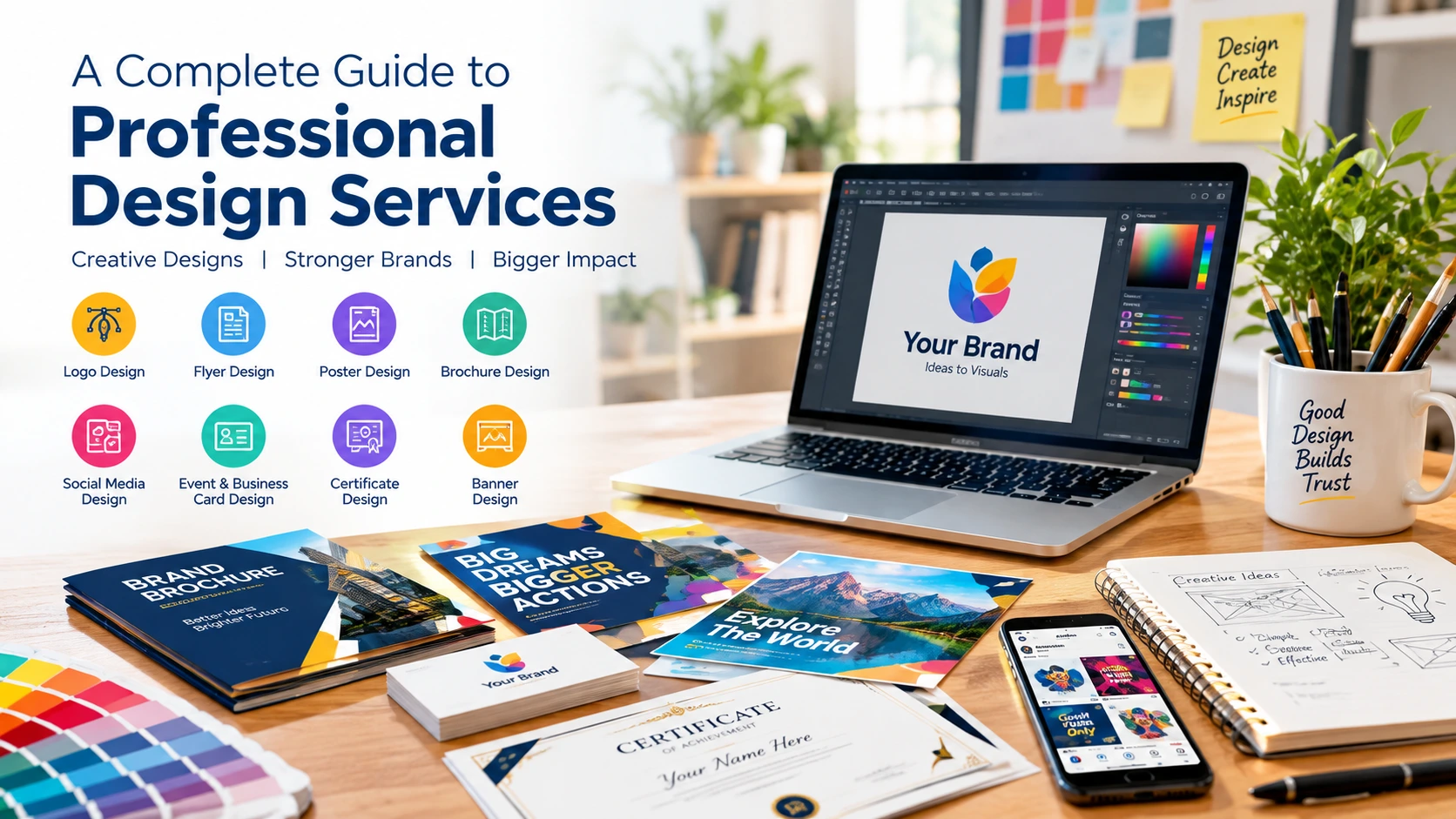
Graphic design covers a lot of ground, from a logo that appears on every invoice to a banner that gets three seconds of attention on a web page. Each format comes with its own size limits, reading habits and print rules, which is why a design that works in one place can fall apart in another. Knowing what each type is for makes it much easier to brief a designer and to judge the result. Here’s a practical look at the main ones.
What Are Professional Graphic Design Services?
Graphic design services produce the visual material a business uses to explain itself: logos, printed pieces, social graphics, certificates, ads. The work mixes typography, color, layout, imagery and spacing, and the order in which a reader’s eye moves across the page is part of the job.
Before you hire anyone, answer three questions. Who is going to see this? What should they remember? What do you want them to do afterwards? A designer who gets those answers on day one usually finishes in two rounds of revisions instead of five.
1. Logo Design: Building a Recognizable Brand
Does your logo still make sense at the size of a browser tab icon? That’s the first test, and plenty of logos fail it. A detailed emblem looks great on a shop sign and turns into a smudge at 16 pixels.
A logo shows up everywhere: the website header, invoices, packaging, a social profile picture cropped into a circle. So it has to hold together at tiny sizes and huge ones, in full color and in plain black. A bank and a toy brand shouldn’t look alike either, and copying whatever style is trendy this year tends to date a logo quickly.
When you review Logo Design work, ask for vector files (SVG, AI or EPS) along with PNGs that have transparent backgrounds. Put the logo on a dark background and a light one. If it only works on white, it isn’t finished.
2. Flyer Design: Communicating an Offer Quickly
The usual flyer mistake is too much text. Someone gets handed one on the street and decides in about three seconds whether to keep it.
So lead with the offer. One headline, the date or deadline, where to go, how to get in touch. One image, if it helps. That’s about it. A5 is a popular size because it fits a pocket, while A4 gives you more room but tends to look crowded when people try to fill it.
Printing adds its own rules. Most printers want 300 DPI images and a bleed of around 3 mm, which is extra background that gets trimmed off at the edge. Skip the bleed and you can end up with thin white slivers along the sides. Professional Flyer Design usually includes a print-ready PDF that already accounts for this.
3. Poster Design: Making a Message Stand Out
A poster gets read from a few steps away, often while the reader is walking. That changes everything about how you build it.
One dominant headline, one strong image, and a short block of details. If three things are competing for attention, readers pick none of them. A common rule of thumb is about one inch of letter height for every ten feet of viewing distance, which surprises people who assumed their text was large enough.
With Poster Design, decide where it’ll hang before anyone opens a design file. A poster for a crowded train station needs far bigger, simpler wording than one pinned in a classroom, and the sizes (A3, A2, 18 x 24 inches) follow from that.
4. Brochure Design: Explaining Products and Services
A brochure is where you finally get room to explain things. A tri-fold, for instance, gives you six panels: a cover, a back panel, and four inside for the actual content. Planning what goes on each panel is most of the work.
Open with a short introduction, then group the rest into sections with plain headings so a reader can jump straight to prices or services. Images should show something, like the product, the team or the process, rather than act as filler.
Good Brochure Design matters most when you need a company profile or a way to compare packages side by side. One last thing from experience: wrong phone numbers and outdated prices are the most common reasons a brochure has to be reprinted. Proofread every line twice, then have someone who hasn’t seen it read it once more.
5. Social Media Design: Creating Consistency Across Platforms
Every platform crops differently. An Instagram feed post is typically 1080 x 1080 pixels or 1080 x 1350, stories run 1080 x 1920, and a LinkedIn cover is a thin 1584 x 396 strip. Reuse one file across all of them and something important will get cut off.
Decide first what the post is for. An educational post can carry a headline and a few short points. A promotion needs the offer and the next step visible at a glance.
Strong Social Media Design keeps your colors, fonts and general style steady while letting individual posts look different from each other. Use images you’re licensed to use, and keep text large enough to read on a small screen. Before publishing, open the graphic on your actual phone. Something that looks fine on a monitor often doesn’t survive that.
6. Event and Business Card Design: Making Professional Connections
Business cards are small. The standard size is 3.5 x 2 inches in the US and 85 x 55 mm in much of the rest of the world, so there isn’t room for a life story. Name, role, company, one phone number or email, a website. When a card also lists five social accounts and a tagline, nobody reads any of it.
Event material works differently. An invitation has to answer what, when, where and how to register, and it should do it in that order of importance. Fancy decoration comes after.
Careful Event and Business Card Design keeps all of this tidy and consistent with your brand. Check every name, date, number and web address before you approve the artwork. Once a few hundred cards are printed with a typo in the email address, the mistake is expensive.
7. Certificate Design: Presenting Recognition Professionally
Certificates mark achievements, course completion, participation and milestones. A certificate for a weekend workshop and one for a professional qualification shouldn’t look the same, because the design signals how seriously the award should be taken.
Most include the recipient’s name, what it’s for, who issued it, the date and a signature. Borders and ornamental fonts are fine as long as they don’t make the name hard to read. Landscape A4 or US Letter is the usual format.
With Certificate Design, get the exact spelling of every name before the final version is made. Printing quality and paper weight also change how it feels in the hand. And a handsome layout isn’t proof that an award or qualification is real; that comes from the organization behind it.
8. Banner Design: Promoting a Message in the Right Space
Banner sizes are surprisingly specific. Web ads commonly use a 728 x 90 leaderboard, a 300 x 250 rectangle or a 320 x 50 mobile strip, and a YouTube channel banner is 2560 x 1440. Each one allows only a few words.
Physical banners go the other way. Outdoors, fewer words and stronger contrast win, since people read them from across a street.
Before ordering Banner Design, confirm the exact dimensions, where it’ll be displayed and the file format needed. Test digital banners on desktop and mobile. For printed ones, ask the printer about resolution, material and how the edges will be finished.
How to Choose the Right Graphic Design Service
Start from the problem, not the format. A new business often needs a logo and business cards first. A company running a campaign might want flyers, posters, banners and social graphics that all look like they belong together.
A few questions help narrow it down:
- What’s the design supposed to achieve?
- Who will see it?
- Online, in print, or both?
- Do you already have brand colors or fonts?
- Which sizes and file types does the final version need?
- What text and details must appear on it?
Gather your text, images and any existing logo files before work begins. If you’re ordering several pieces, tell the designer up front so they can build one consistent look instead of treating each item separately.
Find the Right Design Support for Your Needs
At Wally Editing Service, we handle design projects ranging from a single promotional graphic to a full set of matching materials. Have a look at our Graphic Design Services if you’re still working out which pieces your project needs. Bring your goals, your content and your size requirements, and the rest tends to move quickly.
Usman Javed is a content strategist at Wally Editing Service, where he leads the content and SEO division. He writes about website copy, SEO strategy, and content that actually works for the businesses reading it.