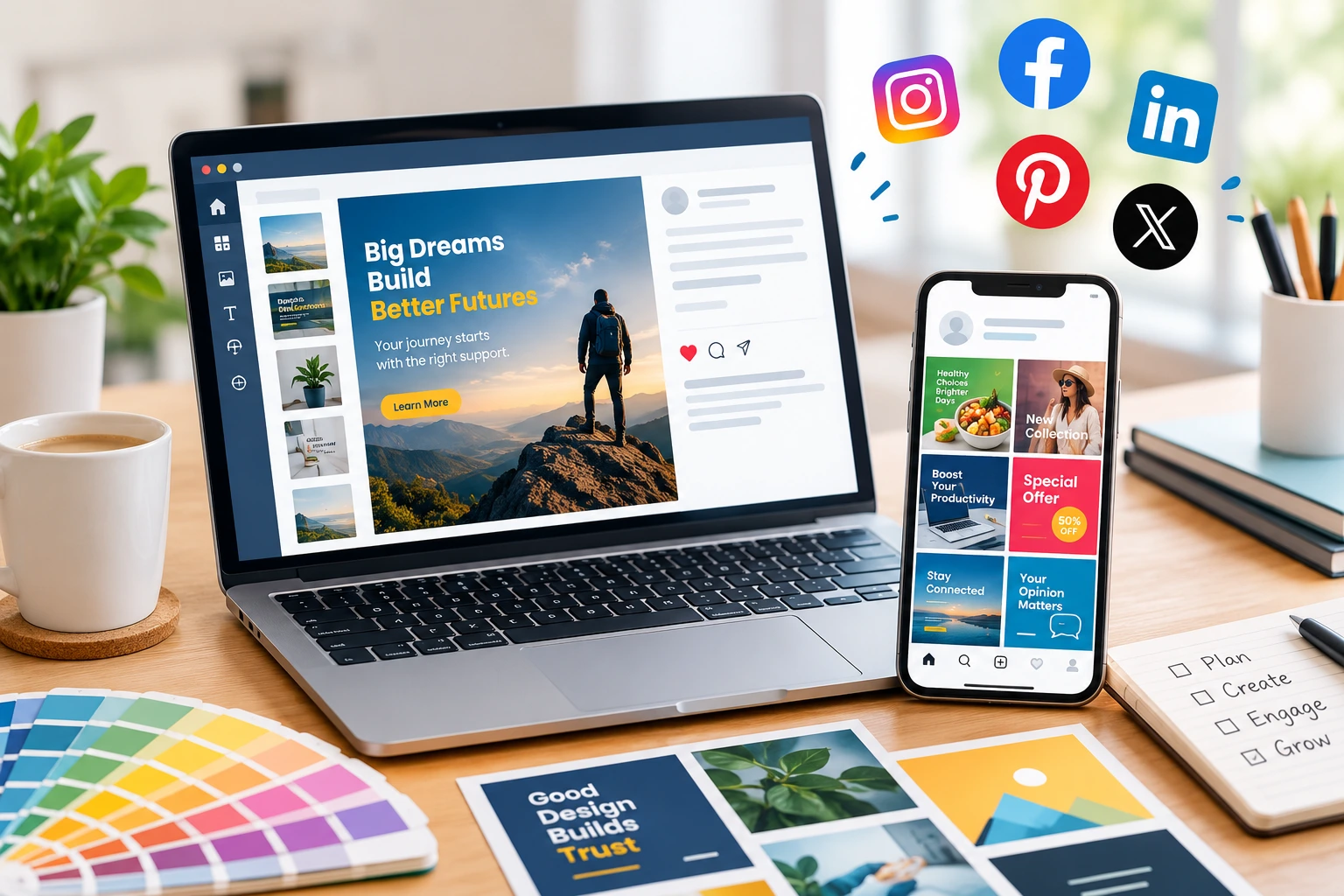
Posting every day doesn’t mean people will notice you. Everyone’s feed is packed with promotions, product photos, short videos, and announcements, and most of it gets a second of attention at best. When your posts look different from one another, carry too much text, or never say what you actually offer, people keep scrolling and don’t look back.
Why Social Media Design Matters for Business Growth
Good graphics do three jobs at once. They get your message across fast, they make your brand easy to spot, and they present information in a way people can take in without effort. That’s what social media design for business growth comes down to: each visual has a reason to exist, whether it’s introducing your brand or pushing an offer.
Social media design simply means making the visual content for platforms like Instagram, Facebook, LinkedIn, and Pinterest. Think promotional posts, product graphics, carousels that teach something, ad creatives, and announcements. When the colours, fonts, and layouts stay the same from post to post, people start recognising you before they even read the name.
A pretty graphic won’t bring leads or sales by itself, though. What you’re offering, who’s seeing it, when you post, and how solid the rest of your marketing is all matter just as much. Design helps a good message land. It can’t rescue a weak one.
Five Principles of Effective Social Media Design
1. Keep Your Brand Identity Consistent
This is the problem we run into most. One post has bright colours and a fancy font, the next has a different palette and a layout that looks like it came from another company. Each post might look nice alone, but together the page feels scattered.
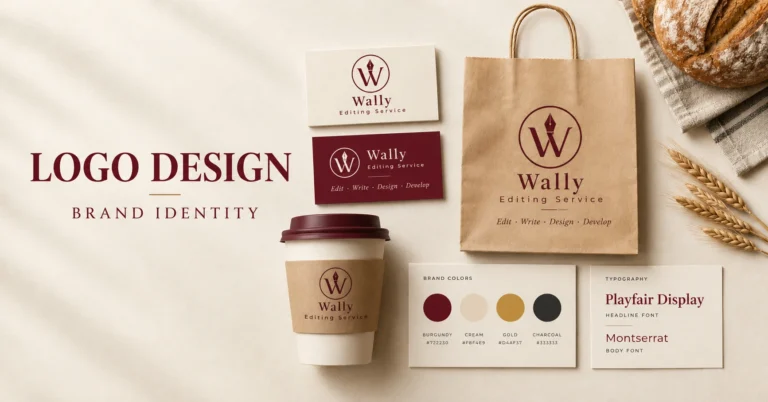
The fix is small. Decide on your logo, a couple of main colours, a heading style, a body font, and how you handle photos, then stick with them. You can still vary things for different kinds of posts, just not so much that people can’t tell it’s you. Your social pages should also look like your website, so the same colours and fonts should carry through a well-planned website design. If you want to understand how logos, colours, and type work together, our guide to professional graphic design services is a good place to start.
2. Make It Easy to Read First
You can put great information in a graphic and still lose people if they can’t read it. Tiny text, weak contrast, and cluttered layouts are the usual culprits, and they hurt even more on a phone, where most people will see your post.
A few habits make a big difference. Stick to one message per graphic. Write a headline that says what the post is about or what the reader gets. Keep the supporting text brief, and make sure the text stands out clearly against the background. Put the most important thing where the eye lands first.
If you’re announcing a limited-time offer, show the offer before the small print. The best design isn’t the one with the most going on. It’s the one where you understand the point in a couple of seconds.
3. Fit the Graphic to the Platform
Something that looks great on Instagram can fall apart on LinkedIn. A feed post, a vertical Story, a LinkedIn carousel, and a Facebook cover all have different sizes, so reusing the same layout everywhere usually goes wrong.
Check the current recommended dimensions before you start. Keep important text away from the edges, since cropping can cut it off, and always preview on a real phone. Your logo design needs the same care. A logo that reads well on a website header can turn into a blur in a small profile picture, so keep a simple, compact version ready for those spots. LinkedIn audiences often respond well to clean, information-led layouts, while Instagram leans more toward visual storytelling. If a campaign runs across several channels, make a version for each one instead of stretching a single design to fit.
4. Know What Each Post Is For
Not everything you post should look like an ad. Some graphics should teach: a quick tip, or the answer to a question customers keep asking. Others show what you sell and who it suits. Then there are the promotional ones for offers, launches, and events, and the trust-builders, like introducing your team, showing how you work, or sharing a customer’s feedback with their permission.
If every post is a sales pitch, there’s no reason to follow you. Useful posts give people a reason to come back, and they show you know what you’re talking about.
5. Ask for One Clear Next Step
Tell people what to do next. It could be reading an article, saving a checklist, asking for a quote, or getting in touch. Match the ask to where the person is. Someone who just found you probably wants to learn more first, so a link to a helpful piece of SEO article writing on your site works better than a hard sales push. Someone looking at a specific offer may be ready to enquire. Keep it to one action per graphic, and use the caption for extra context and the link.
A Workflow You Can Actually Repeat
You don’t need to start from zero every time. Begin by deciding what the post is for: teaching something, promoting an offer, or bringing in enquiries. Write the headline and supporting line before you touch the layout, because it’s much easier to design around words you’ve already settled. Then pull in your usual colours, fonts, and logo, and set the file to the right size for the platform.
Before you publish, look at it on your phone. Check the spelling, the contrast, the alignment, and whether the call to action is clear. After it’s been live for a while, see what happened. Which posts got saves, clicks, or enquiries? Use that to decide what to make next. It sounds basic, but doing it consistently is what separates a tidy account from a messy one.
Common Mistakes That Hold Results Back
Too much text is the big one. If you’re trying to explain everything in a single image, nobody reads any of it. Put the details in the caption or spread them over a carousel. Changing colours, fonts, and logo position every few posts has a similar effect, because the posts stop looking related.
Plenty of people also design on a big monitor and never check the phone view, which is where the text turns out to be too small. Generic stock photos are another trap. They rarely show your real product or team, so use your own photos wherever you can.
And don’t judge a post by likes alone. Saves, shares, thoughtful comments, website visits, and real enquiries usually tell you far more about whether something worked.
Connecting Social Media Graphics with Your Wider Marketing
Your social media shouldn’t feel like a separate brand. People who see your website, your printed material, and your posts should feel like they’re dealing with the same business. A business card design carries your look into meetings and networking events, and matching social artwork keeps that look going online. If a campaign needs more than posts, flyers and brochures should follow the same style.
Make Your Social Media Design Work Harder
Good social media design starts with a clear message, a look people recognise, and a sense of what your audience needs. Keep the branding consistent, make the layouts easy to read, size each graphic for its platform, and give every post one clear next step.
At Wally Editing Service, we help businesses create visuals that fit their brand and support their promotions. If you’d like a hand, take a look at our social media design service or contact Wally Editing Service and tell us what you need.
Usman Javed is a content strategist at Wally Editing Service, where he leads the content and SEO division. He writes about website copy, SEO strategy, and content that actually works for the businesses reading it.